Hemera · Calendar and tasks
Know your day before it starts.
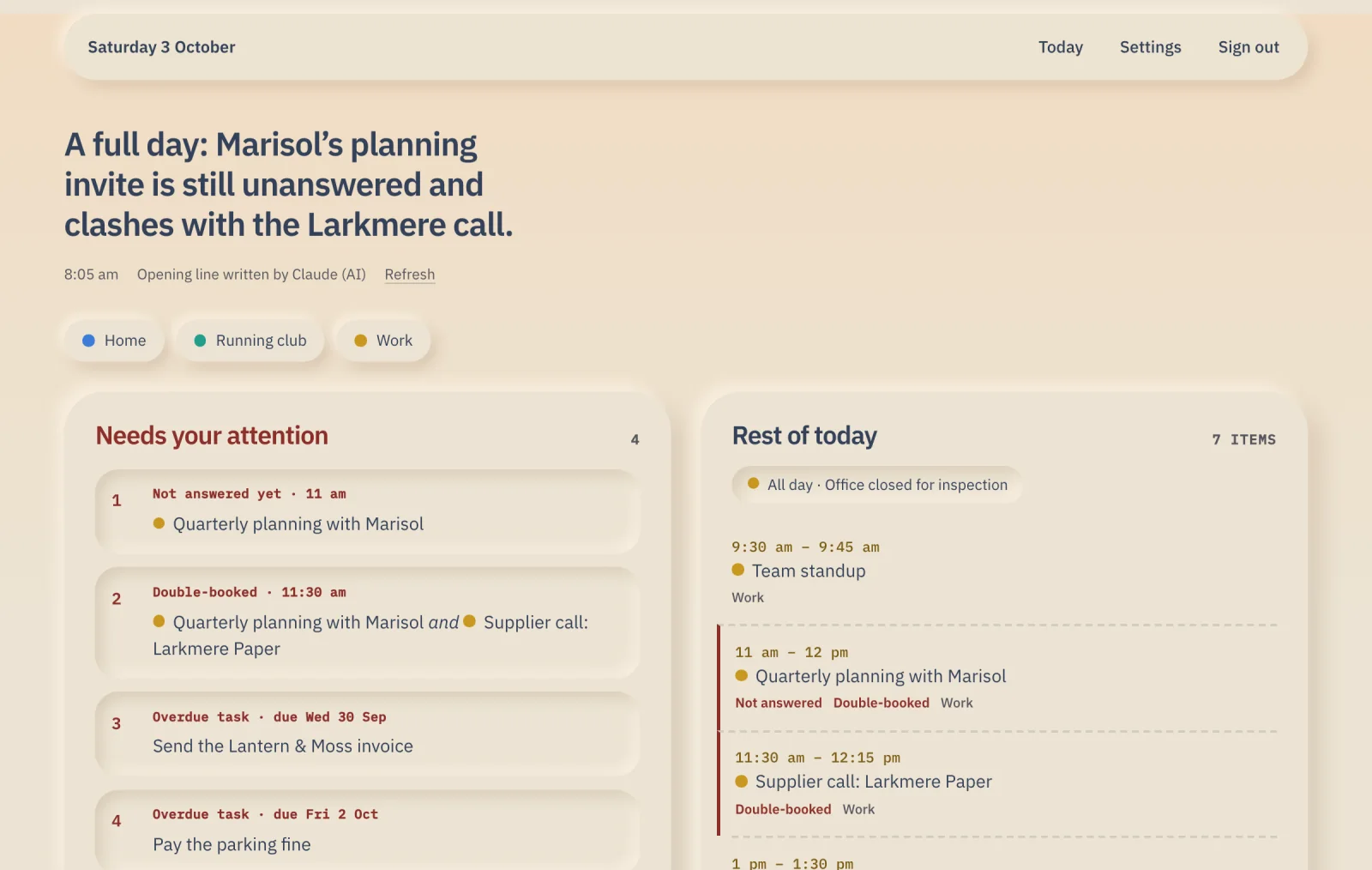
Your day on one page: today’s meetings from all your Google calendars, the tasks due, and what needs you at the top. Anything it leaves out, it tells you.

How you’d use it
Three steps, then your day is on one page.
-
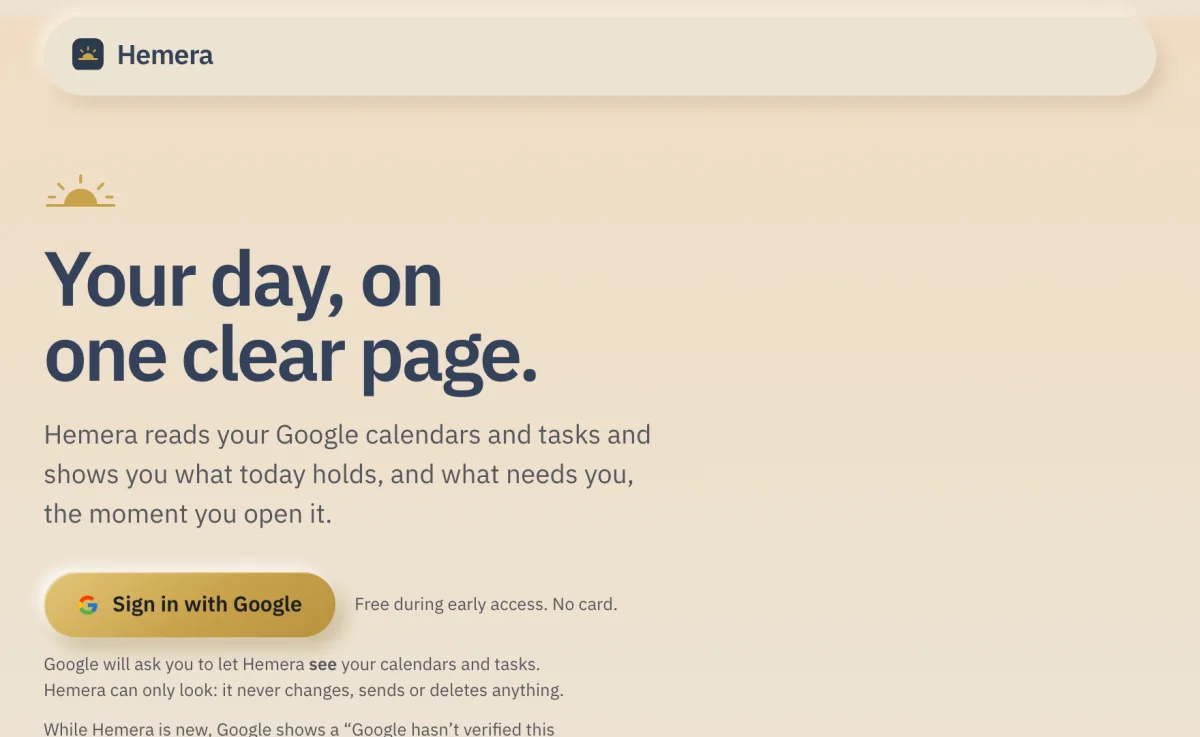
Sign in with Google
One button. Google asks if Hemera can see your calendars and tasks. It can only look, it never changes anything.
-
See your whole day on one page
Today’s events from all your Google calendars, in order, with duplicates taken out. Your tasks due today are there too.
-
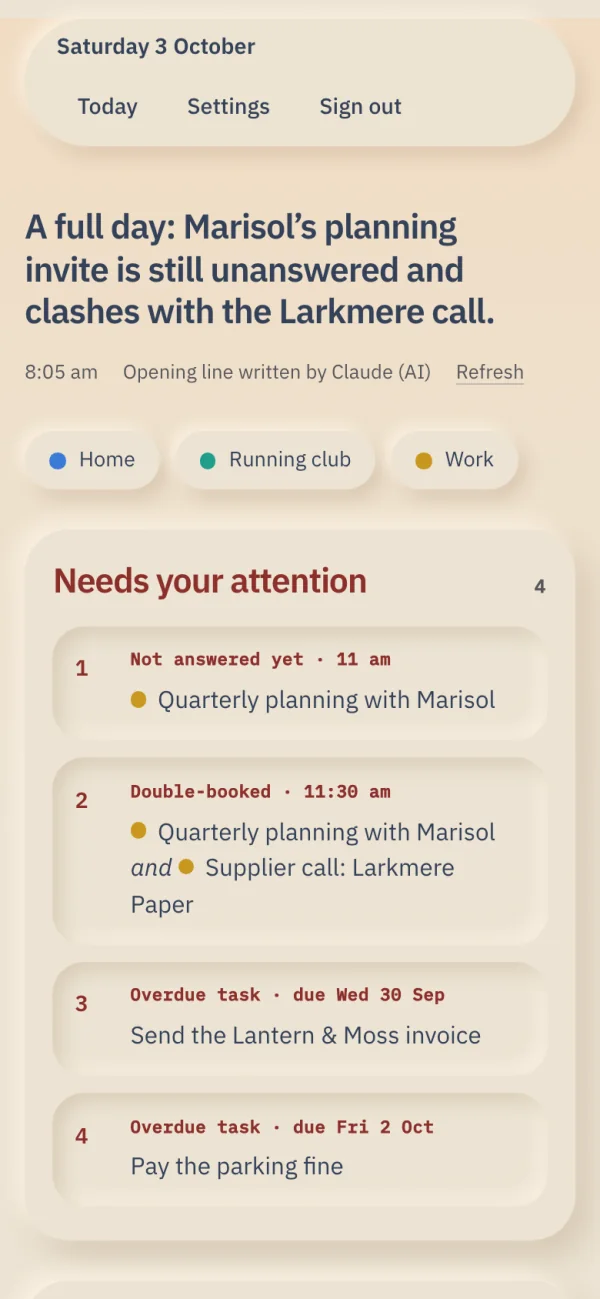
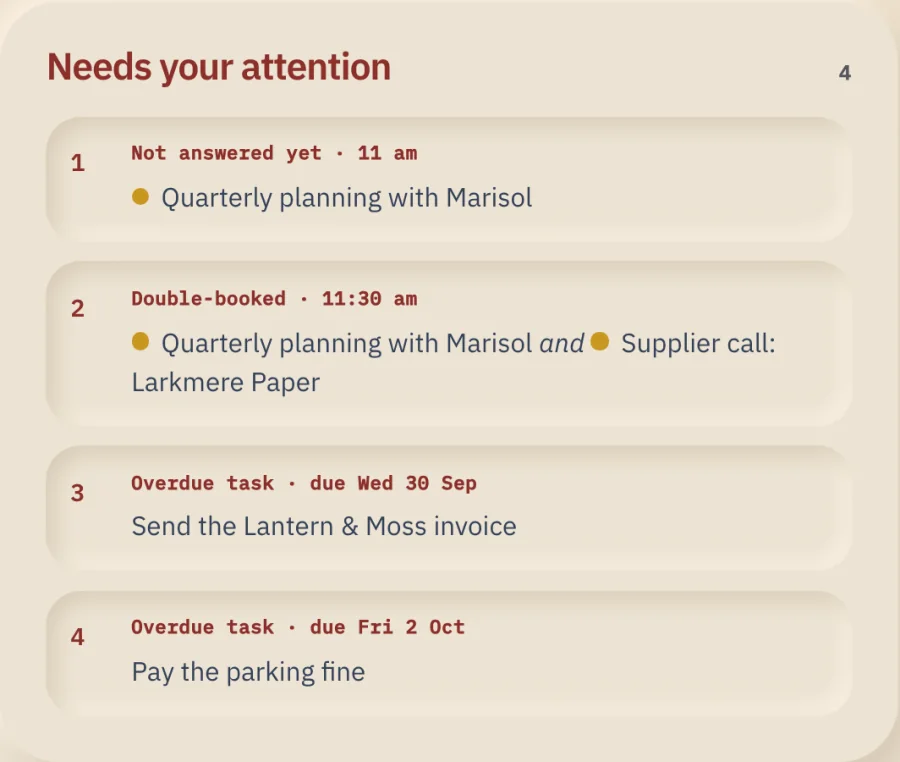
Deal with what needs you first
Invitations you haven’t answered, times you’re double-booked and overdue tasks go at the top, so you see them first.
Good to know
- It only reads, it never changes your calendar.
- Anything it leaves out, it tells you.
- The opening line is usually written by AI, and it can be wrong.
Try Hemera free.
Free during early access. No card needed.